Creating a difference surface
A difference surface is conceptionally no different to a natural or a design surface. A difference surface shows the cut and fill. You can create contours or color in the surface to get a feel of the data. However a difference surface needs to have the points that make up the surface have both a natural and a design height set for each point in the triangulated surface.
Getting suitable data:
If you already have points with a natural and a design height then you are mearly there. For example if you have run the grading options in Ezigrade then it sets the design height and the natural height for each point is already set.
However we often have a job with a natural surface using points only with a natural surface height set; and a design surface where only the design heights are set. In this case we have 3 options.
-
If we want a difference surface that is the same as the natural surface
-
we want a difference surface that is the same as the design surface
-
we want the difference surface to include points from both the natural and the design surface.
Difference Surface same as natural surface
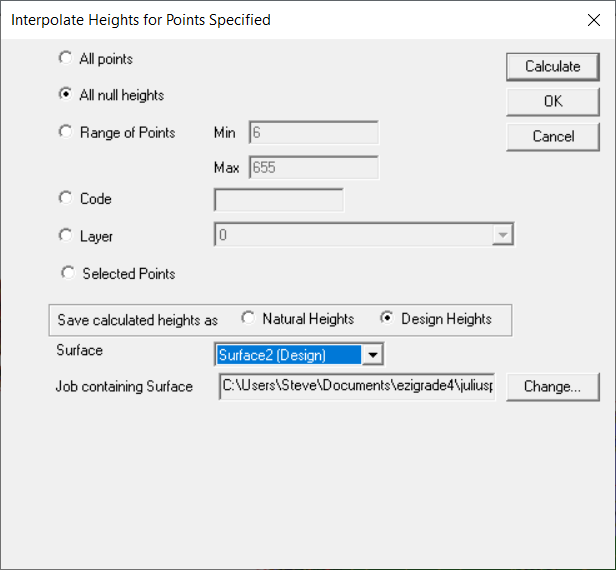
Go to Contour -> Interpolate -> Point Heights.
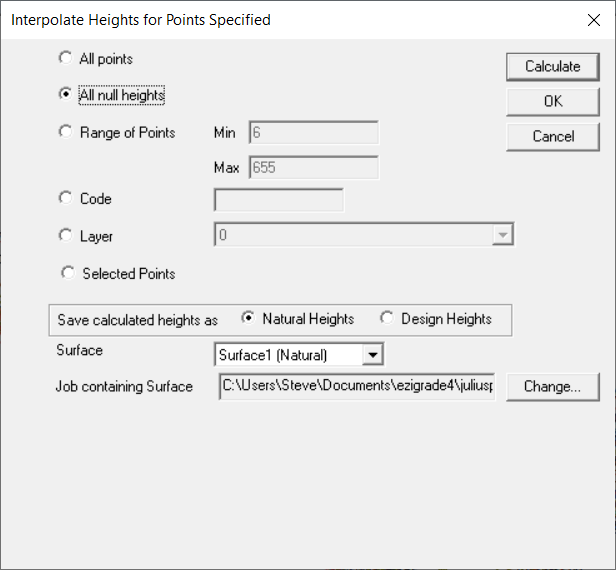
We want to set all null design heights to a design height. So select "All Null Heights" and save calculatated as Design and use the Design surface.
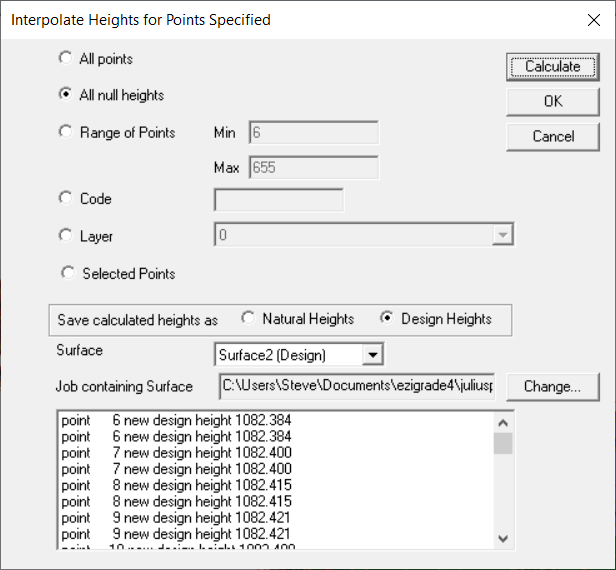
Click on Calculate:
Check the calculated heights make sense. If a point is outside the design surface then a design height is not calculated. Once happy click on the OK button and the design heights are set.
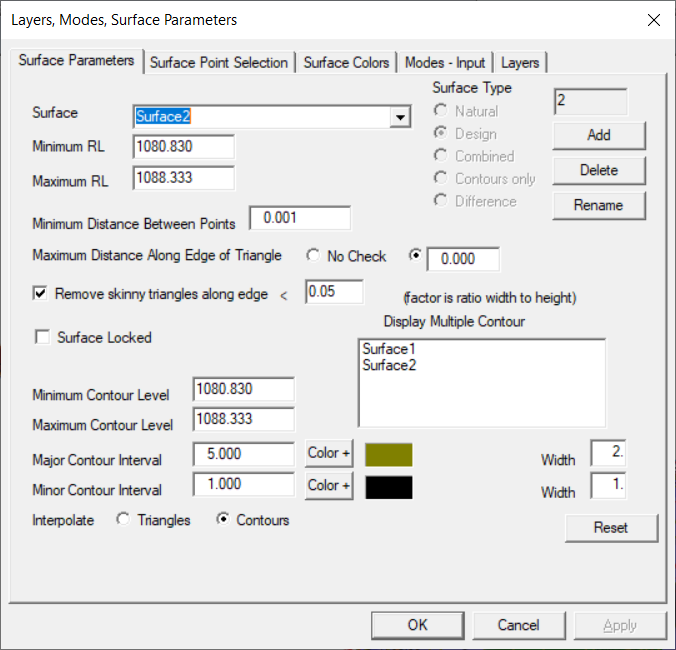
Now create a design surface. Go to contour -> Params
Click Add and select Difference and OK.
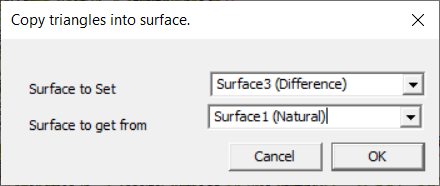
To make the difference surface the same as the natural surface do a Contour -> Edit Model -> Copy triangles from surface to surface:
and click OK.
You could also do a contour -> form model but this way the difference surface will be the same as nautural. Handy if you have breaklines etc
Difference Surface same as Design Surface
This is the same procedure as above. Set up the Contour -> Interpolate -> Point Heights like: ie Any null natural surface heights that are null are set from surface1
Again create a new difference surface and this time copy the design surface to the difference surface
Difference Surface contains all the Points
In this case we run the Contour -> Interpolate -> Point heights twice. The first time we set any null design heights. The second time we set any null natural surface heights.
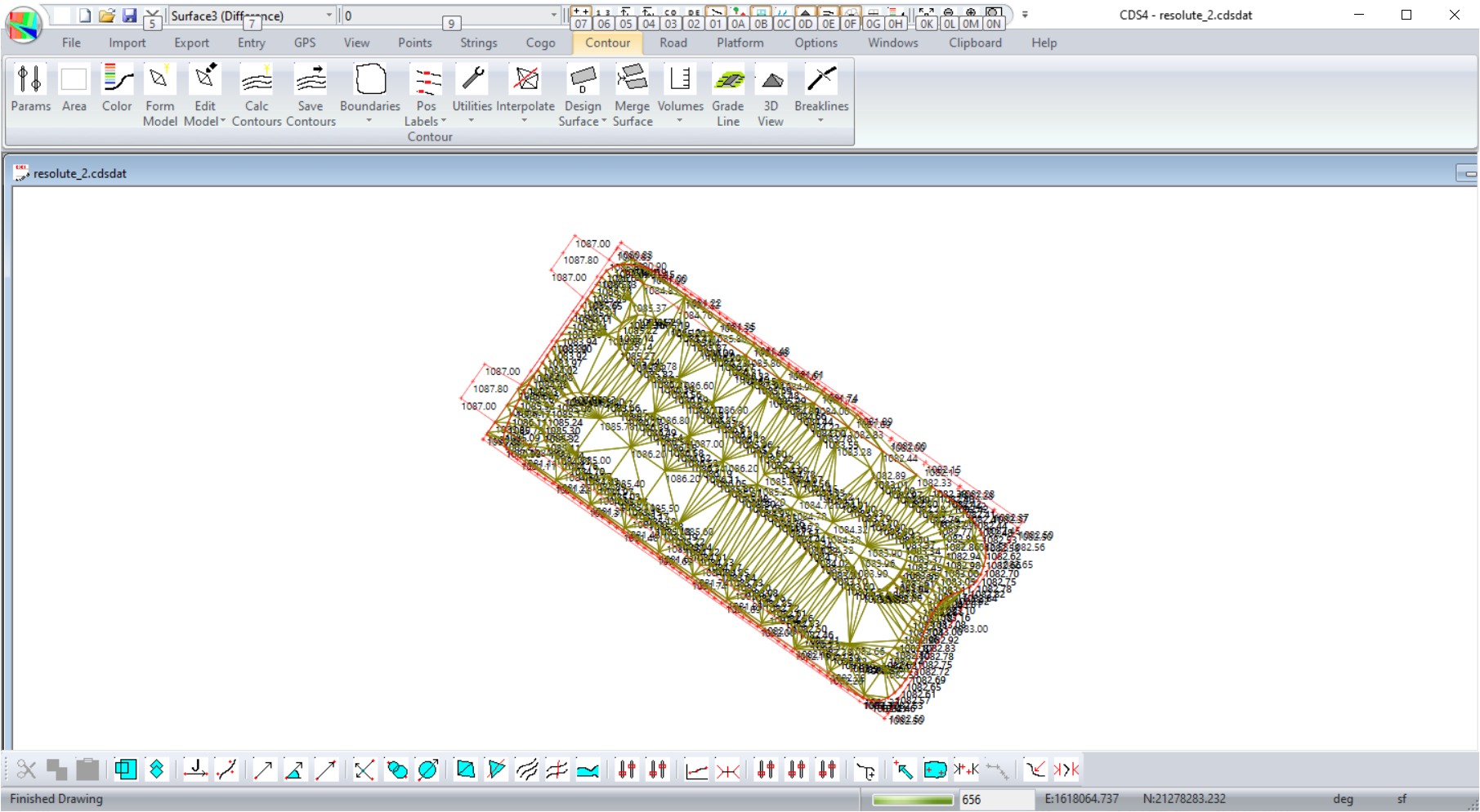
Again for Contour -> Params create a new difference surface. In this case we are using all the points in both the natural and the design triangles. We will need to do a Contour -> Form Model and we get this:
If any points are missing make sure you do a Contour -> Params -> Reset. However the difference surface can only exist where we have a union of both the natural and the design surfaces.